


The no-show add-ons
In this article
With guest bookings, there is always the risk that they do not show up. But Resos is here to help you prevent this! With two powerful no-show tools, no-show fees and guest flagging, you can limit no-shows and protect your maximum booking capacity every day. Here’s how each one works.
1. No-show fees
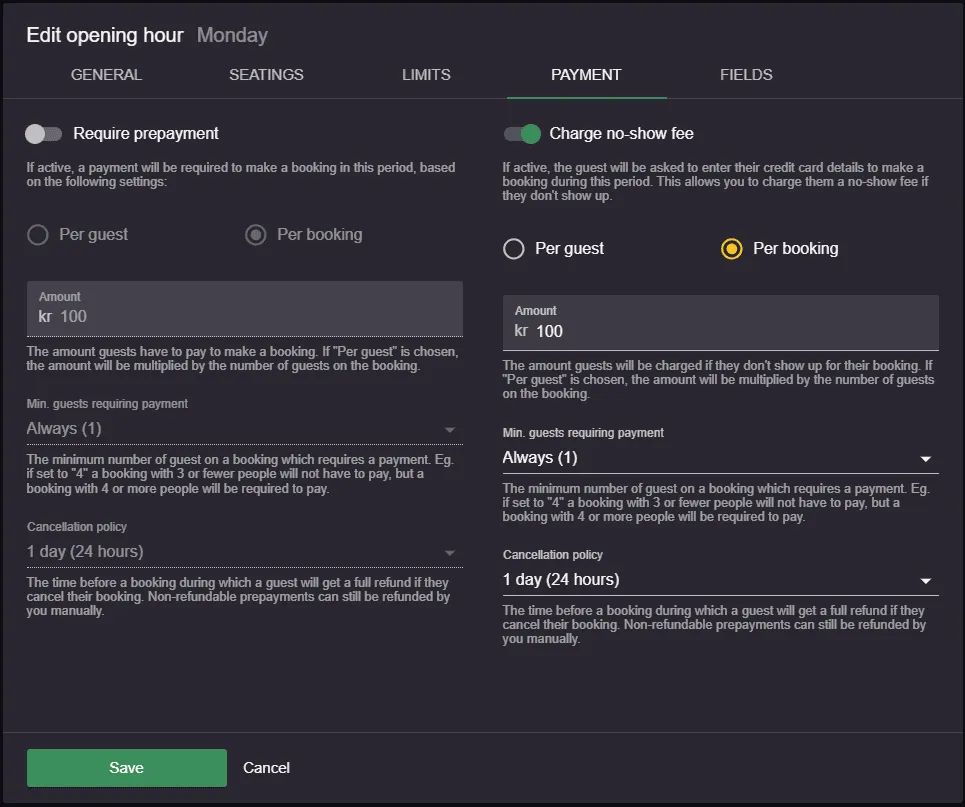
This add-on lets you store your guest’s payment information and charge a fee if they don’t show up, for both online and manually added bookings. Payments, refunds, and payouts are handled through Stripe, which involves extra fees. Read the full setup steps, including enabling the add-on, configuring fees per opening hour, and handling manual bookings, in How to set up the no-show fees add-on.
2. Flagging a no-show guest
Here is how you can activate this add on:
- Go to Menu → Settings → Bookings → Flag guests.
- There are two different ways to “flag” a guest who did not show up to their booking. Both methods lead to the same result, which is further discussed below.
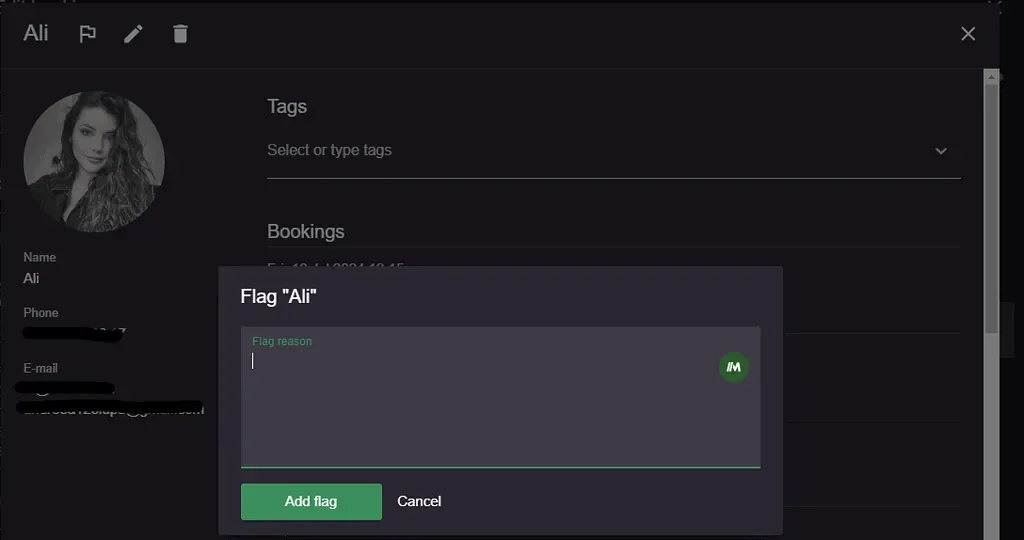
- You go to Menu → Calendar and find the specific booking where the guest did not show up. Then, you simply need to click on the icon for “View customer profile”, and then click on the flag icon which will flag your customer.
- You go to Menu → Customers, use the search function to find the guest who didn’t know up, and then click on the flag icon to flag your customer.
What happens next?
Whenever a guest books a table, Resos will check the guest’s user information. We look for an email address, phone number, user-id, or similar. If the guest is stored in the flagged customer database, a warning is automatically added to their profile. Therefore, you can see that the guest is flagged in two ways:
- A warning will pop up in the system if the guest tries to book again online/if a user of the system adds the guest.
- A flag icon is present next to the guest’s information everywhere in the system.

You can always remove the “flag” from the guest by simply clicking on the flag icon again from their customer profile .
Read more about how you can minimize no-shows with Resos 
Do you want to know some fun facts about no-shows? Based on all the bookings created in Resos in March 2024, restaurants that use:
- SMS notifications experience around 28% fewer no-shows.
- booking reminders (with and without SMS notifications) experience around 24% fewer no-shows.
Please, let us know at hi@resos.com if you have questions or if something you need is missing. We are happy to help!